



How to Use the LUOWEI LW-FAT Error Checker for Android Motherboard Repair

How to Use the LUOWEI LW-FAT Error Checker for Android Motherboard Repair
In today’s mobile repair industry, Android smartphone motherboards are becoming more advanced and complex. Diagnosing motherboard faults manually can take hours and often involves repeated trial-and-error methods. This not only wastes time but can also lead to unnecessary component replacement.
The LUOWEI LW-FAT Error Checker is a smart Android motherboard diagnostic tool designed to simplify the repair process. By reading motherboard serial logs directly and using cloud-based AI analysis, this tool helps technicians identify hardware faults quickly and accurately.
If you are a professional mobile repair technician, service center owner, or learning advanced motherboard repair, this tool can significantly improve your workflow.
What is LUOWEI LW-FAT Error Checker?
The LUOWEI LW-FAT Error Checker is an intelligent fault detection device for Android smartphones. It connects directly to the motherboard using TX and GND test points and captures real-time serial communication logs.
These logs are uploaded to an AI-powered cloud server where they are analyzed against thousands of motherboard repair cases. This helps technicians detect possible hardware failures without guessing.
This advanced mobile repair tool is useful for identifying:
- Boot issues
- CPU communication errors
- Power line faults
- NAND/UFS problems
- Sensor failures
- Charging IC faults
- PMIC issues
Key Features of LUOWEI LW-FAT Error Checker
1. Real-Time Serial Log Reading
Reads Android motherboard logs directly during boot for accurate diagnostics.
2. AI Cloud-Based Fault Detection
Uses intelligent cloud analysis to compare motherboard behavior with a large repair database.
3. Fast USB Type-C Connection
Stable high-speed connection to Windows computers.
4. Auto Baud Rate Support
Supports multiple baud rates, commonly 115200 for most Android devices.
5. High Accuracy Diagnosis
Reduces guesswork and improves motherboard repair success rate.
6. Durable Build Quality
Built with industrial-grade electronic components for long-term use.
Tools Required Before Use
Before starting Android motherboard diagnosis, prepare these tools:
- LUOWEI LW-FAT Error Checker
- USB Type-C Cable
- Windows PC or Laptop
- DC Power Supply or Power-on Cable
- Android Motherboard
- Internet Connection
- Board Schematic or Boardview
Step-by-Step Guide to Use LUOWEI LW-FAT Error Checker
Step 1: Locate TX and GND Test Points
Find the motherboard’s TX (Transmit) and GND (Ground) points. These locations vary by smartphone model, so using a boardview or schematic is recommended.
Proper identification is essential for successful serial log reading.
Step 2: Connect the FAT Cable
Connect the wires correctly:
- TX wire → TX point on motherboard
- GND wire → Ground point on motherboard
Make sure connections are secure.
Step 3: Connect to Computer
Use the USB Type-C cable to connect the LUOWEI FAT device to your Windows PC.
Wait for the device drivers to install automatically.
Step 4: Open LUOWEI FAT Server
Launch the official LUOWEI FAT online diagnostic server on your browser.
This server will receive motherboard logs and process AI analysis.
Step 5: Select Baud Rate
Choose 115200 baud rate as this is standard for most Android motherboard communication.
Step 6: Power On the Motherboard
Use a DC power supply or power cable to boot the motherboard.
The tool will begin capturing serial logs automatically.
Step 7: Analyze the Error Logs
Once logs appear, click Analyze.
The cloud AI compares the log data with thousands of motherboard repair cases and detects possible hardware faults.
This saves time and improves diagnosis accuracy.
Benefits of Using LUOWEI LW-FAT Error Checker
Using this Android motherboard repair tool offers several benefits:
- Faster motherboard fault diagnosis
- Reduced trial-and-error repairs
- Higher success rate
- Less unnecessary component replacement
- Ideal for beginners and experts
- Supports advanced motherboard-level troubleshooting
- Saves repair shop time and labor cost
Important Tips Before Using
- Ensure stable internet connection for AI analysis
- Check motherboard power supply before testing
- Verify TX and GND connections properly
- Some versions may require credits for analysis
- Always use correct boardview for test point locations
Who Should Use This Tool?
The LUOWEI LW-FAT Error Checker is perfect for:
- Mobile repair shops
- Android motherboard technicians
- Professional repair labs
- Mobile repair institutes
- Advanced hardware engineers
- Smartphone refurbishing centers
Buy LUOWEI LW-FAT Error Checker in India
Looking to upgrade your mobile repair lab with professional Android motherboard diagnostic tools?
Get the LUOWEI LW-FAT Error Checker from GSM Nexa, your trusted source for advanced mobile repair tools, IC tools, BGA rework equipment, and motherboard repair accessories.
This smart AI-powered diagnostic analyzer can improve your repair speed, increase success rates, and reduce guesswork.
Explore more professional repair tools only at GSM Nexa.
Recent Posts
reaipr tool ndia's Trusted Mobile Repair Tools & GSM Equipment Store
How to Use the LUOWEI LW-FAT Error Checker for Android Motherboard Repair

Adhesive & Cleaning Tools for Mobile Repair – Essential Tools for Every Technician
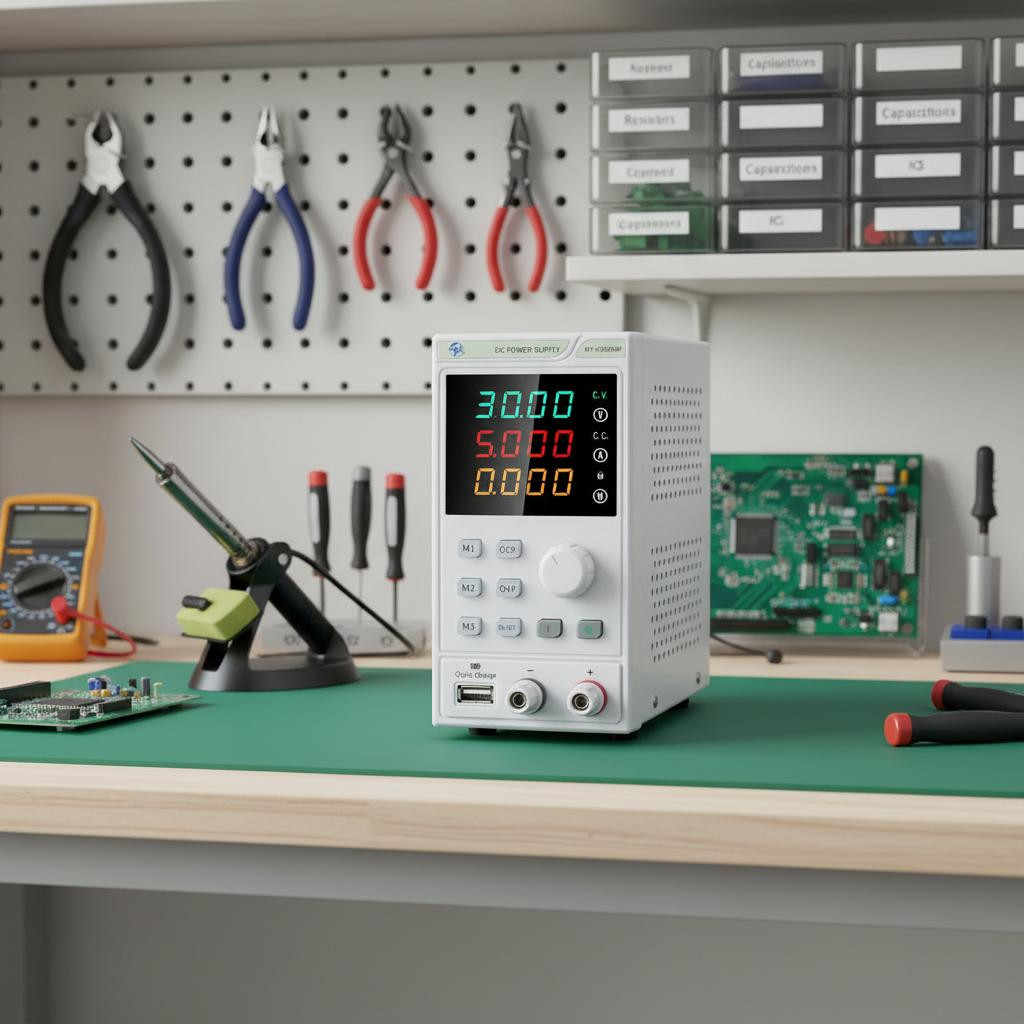
DC Power Supply: Complete Guide for Mobile Repairing and Electronics Testing
DC Power Supply: Complete Guide for Mobile Repairing and Electronics Testing
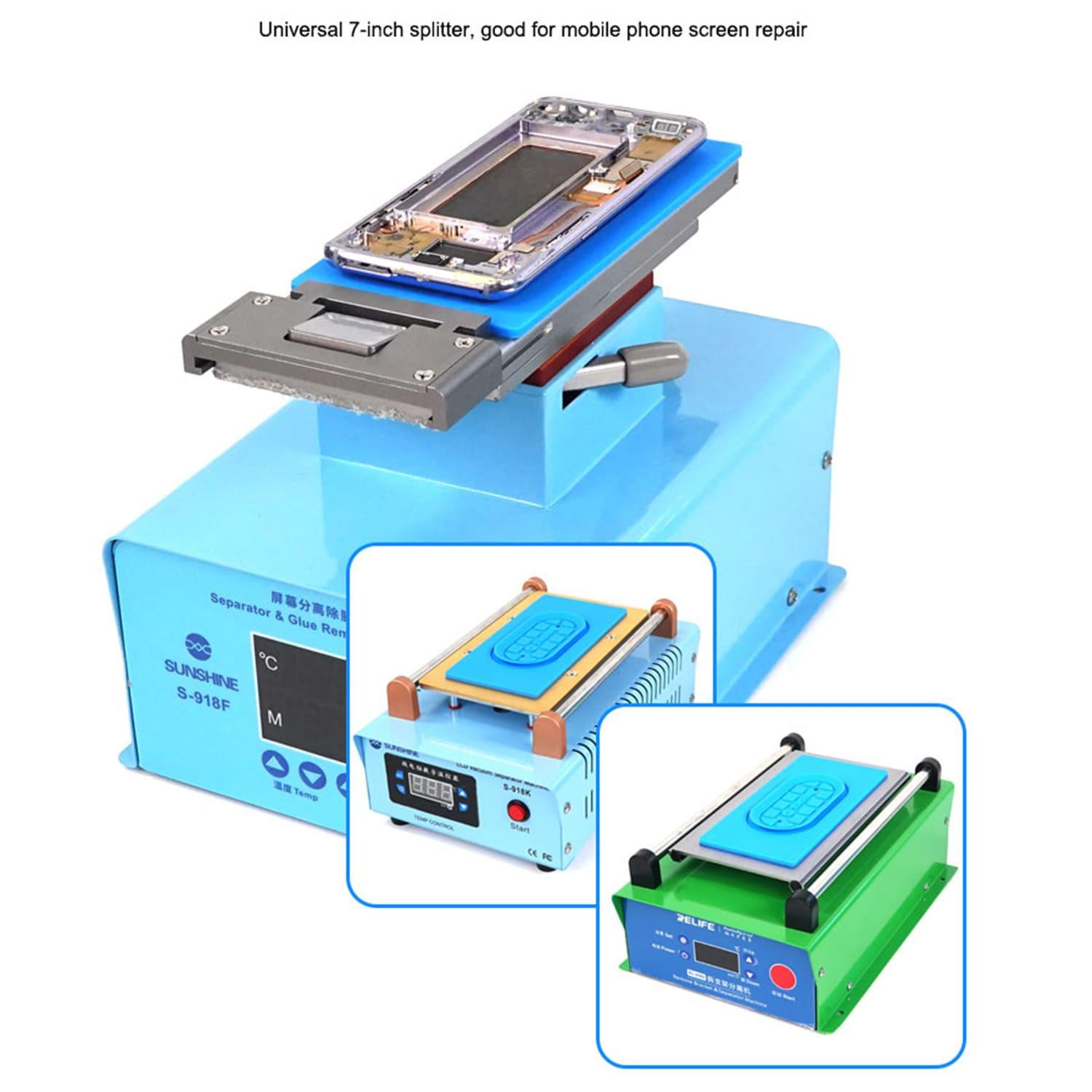
Best Screen Separator Machines for Mobile Repair in India
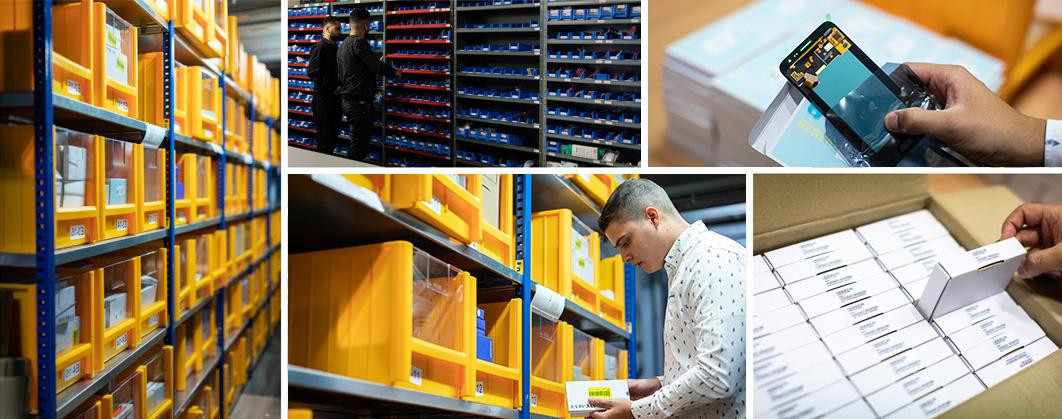
Top Wholesale Mobile Spare Parts Suppliers in India for Repair Shops
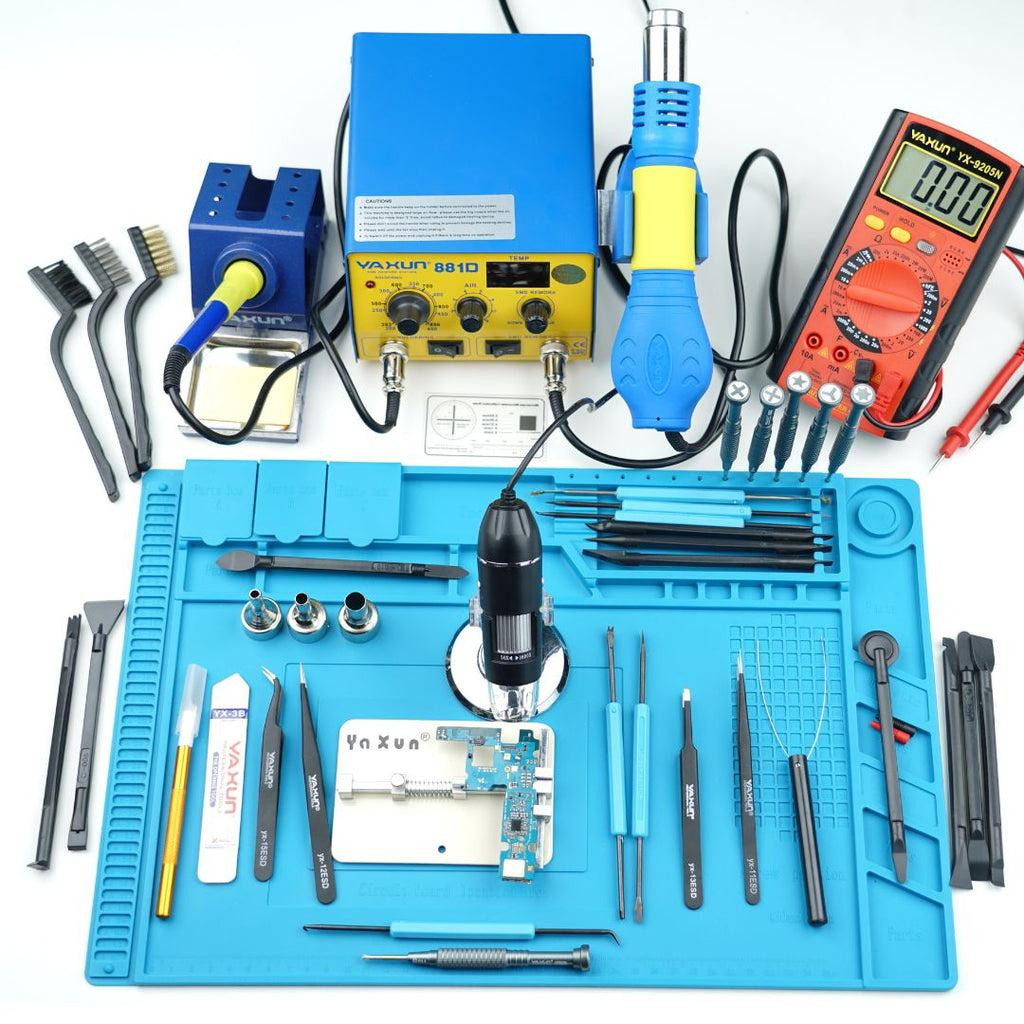
Best Mobile Repair Tools for Professional Technicians in 2026 | GSM NEXA